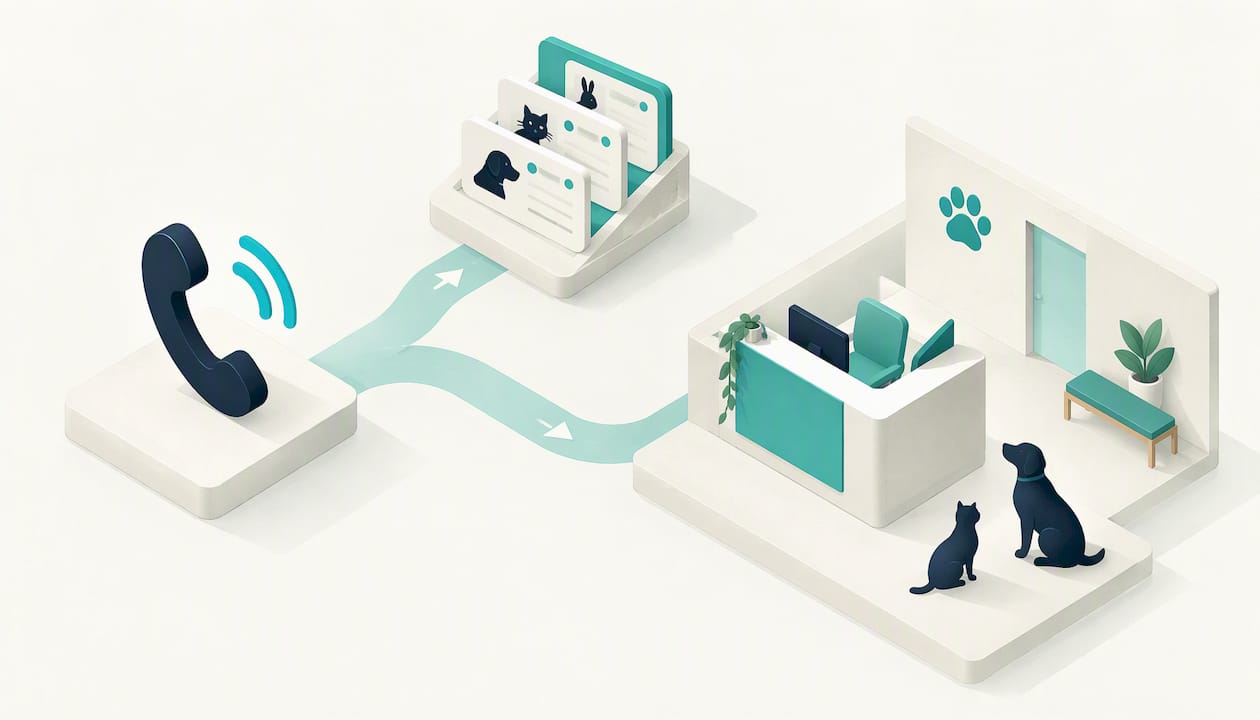
Veterinary phone automation uses an AI voice agent to answer your clinic’s calls, book and move appointments, answer routine questions and pass anything sensitive to a person. It works best on the repetitive, high-volume calls that pull your nurses and receptionists away from the animal in front of them. Every distressed owner, every judgement call and every euthanasia conversation stays with your team. This guide covers what to automate, how to handle urgent and after-hours calls, what to check on privacy, and how to get live without a long project.
Table of Contents
- What veterinary phone automation actually does
- Which calls to automate and which stay with your team
- Handling after-hours calls and urgent symptoms
- Bookings, rescheduling, reminders and routine enquiries
- Connecting to your phone system and practice software
- Privacy, consent and call recording
- What it costs, and how to judge the return
- Getting live: a practical rollout
- Our view: automate the volume, keep the human moments
- Put an AI receptionist on your clinic’s phones
- FAQ
- Sources
What veterinary phone automation actually does
A modern voice agent is not the old “press 1 for appointments” menu. It answers in natural speech, understands what the caller wants, and acts on it. For a vet clinic that usually means four jobs:
- Answering every call, including while your team is in surgery, mid-consult or restraining a nervous dog.
- Booking, rescheduling and cancelling against your calendar.
- Answering routine questions, such as opening hours, location, parking, what to bring to a first visit, or whether you see rabbits.
- Handing off calls that need a human, with the details already captured so the caller does not repeat themselves.
The value is simple. A ringing phone in a busy clinic is a booking at risk. If the call goes to voicemail, many owners will ring the next clinic on the list. A voice agent picks up on the first ring, every time, and your staff come back to a tidy list of outcomes instead of a pile of messages.
This is also not about replacing reception. Our stance at 42Voice is that automation takes the repetitive volume so your people can give full attention to the calls and the clients that need empathy and judgement. If you want the wider picture for small businesses, our guide to automating phone calls for Australian SMEs covers the basics.
Which calls to automate and which stay with your team
Start by sorting your calls into three buckets. Most clinics find the first bucket is bigger than they expected.
| Call type | Automate? | What the voice agent does | What your team does |
|---|---|---|---|
| New booking for a vaccination, check-up or dental | Yes | Collects pet and owner details, offers available times, confirms | Reviews the day’s bookings |
| Reschedule or cancel | Yes | Finds the existing booking, moves or cancels, offers a new slot | Handles unusual cases |
| Opening hours, location, fees guidance, what to bring | Yes | Answers from information you approve | Updates the approved information |
| Repeat prescription or food request | Partly | Takes the request and details | Checks it with the vet and approves |
| Results, test follow-ups | Partly | Takes a message, flags urgency | A nurse or vet calls back |
| Sick or injured animal, urgent symptoms | Hand off | Recognises urgency, follows your rules, transfers or directs | Triage by a qualified person |
| Bereavement, euthanasia, complaints, billing disputes | No | Transfers straight away, or takes a callback request | Handled personally |
A good rule: if the call is about logistics, automate it. If the caller is worried, grieving or upset, a person takes it. We design every agent with a human handoff so complex calls move to your team smoothly, and every agent is backed by human-in-the-loop quality review. See our page on AI-to-human handoff practices for how that works in detail.
A quick audit you can do this week
For five working days, have reception tick a tally sheet each time they answer a call. Use five columns: booking, reschedule or cancel, routine question, clinical or urgent, other. Add a sixth tally for calls that went unanswered, which your phone system’s call log can show. At the end of the week you will know how many calls are candidates for automation and how many calls you lose at your busiest times. You do not need our numbers or anyone else’s. Your own week is the evidence.
Handling after-hours calls and urgent symptoms
This is where clinics are right to be careful. An after-hours call about a dog that has eaten something toxic is not a booking request. The agent must recognise that and send the caller to the right place fast.
Australian telecom guidance for vet clinics describes two common routing models. One names your emergency referral centre in the recorded message so callers know where to go. The other offers a short menu that sends urgent but non-emergency questions to a nurse triage line and routine queries to voicemail. A voice agent can do the same job with more flexibility, because it can listen to what the caller says rather than making them choose a number.
Here is how we suggest setting it up:
- Decide your emergency pathway first. Which referral or after-hours emergency centre do you send callers to? Which of your own vets or nurses, if any, are on call?
- Write your urgent-symptom triggers. Your vets should supply the list: for example, difficulty breathing, collapse, suspected poisoning, trauma, a straining male cat, or seizures. The agent follows your list. It does not invent clinical advice.
- Keep the agent out of diagnosis. It never tells an owner their pet is fine. When in doubt, it directs the caller to emergency care or to a person.
- Make the handoff instant when a person is available. During opening hours, urgent calls transfer to a nurse straight away.
- Give a clear message when nobody is available. After hours, the agent tells the caller where to take the animal now and also logs the call for your team to see in the morning.
The point is that a missed after-hours call is not a neutral outcome. Either the agent sends the caller to the right help, or the caller hangs up on a voicemail. For more on keeping routine bookings flowing outside business hours, see our guide to after-hours appointment booking.
Bookings, rescheduling, reminders and routine enquiries
Bookings are the clearest win. A typical automated booking call runs like this:
Agent: Thanks for calling the clinic. How can I help?
Caller: I’d like to book my dog in for her vaccinations.
Agent: Happy to help. What’s your dog’s name and breed, and your name and mobile number?
Caller: Milo, a kelpie. I’m Sam, 04 and then my number.
Agent: Thanks Sam. I have Thursday at 10:30 or Friday at 2:15. Which suits you?
The agent confirms the time, adds it to the calendar and can send a confirmation. If Sam adds, “he’s been limping since yesterday,” the agent changes course: it flags the call for a nurse and offers a transfer.
Rescheduling and cancellations
Cancellations are valuable because they free up a slot. When an owner cancels by phone, the agent can offer another time on the spot, so the booking moves rather than disappears. That is a quiet but real gain for a clinic that is trying to keep its consult book full.
Recalls and reactivation
Vaccination and check-up recalls are calls most clinics mean to make and rarely have time for. Outbound calls to remind owners their pet is due can be handled by a voice agent. Our page on reactivation call automation for clinics describes the approach. Because these are outbound calls, see the privacy section below and keep your owner contact preferences in order.
Routine enquiries
Give the agent a short, approved information sheet: hours, address, parking, which species you treat, how to bring a cat safely, what to do before a surgical admission. Your team controls the content, so the agent never improvises policy. Where it does not know, it takes a message or transfers.
Connecting to your phone system and practice software
Integration is the question that decides whether automation saves time or creates double entry. There are two connections to check.
The phone side. The agent has to receive calls from your number. That is normally done by forwarding calls, or by connecting to your business phone system. If you are reviewing your phone setup anyway, Australian guidance suggests a hosted phone system for a small practice may run about $100 to $180 a month for a four-seat setup, though that covers the phone service, not an AI agent. A voice agent sits on top of whatever line you have.
The booking side. The agent needs to see availability and write bookings somewhere. We connect to the calendars, CRMs and ticketing tools you already use. Before you sign anything, tell us which practice management system and calendar your clinic runs, and ask us to confirm how bookings will flow into it. That is a standard part of the demo, and it is the right thing for any provider to answer plainly.
If you cannot integrate directly on day one, a sensible fallback is for the agent to capture booking requests and send your team a structured summary and transcript to confirm. That still removes the phone-tag. Our how it works page walks through the connection steps.

Privacy, consent and call recording
Vet clinics hold personal information about owners: names, addresses, phone numbers, payment details. Treat that carefully. A few points to raise with your own advisers before go-live:
- Consent. The Australian Privacy Principles guidelines describe consent as express or implied, and valid only when it is informed, voluntary, current and specific, from a person with capacity. In practice, tell callers at the start of the call that they are speaking with an AI assistant and that the call may be recorded or transcribed, and say why.
- Health information. Under the Privacy Act, health information includes personal information collected in connection with providing a health service. That definition is written about people, so ask your adviser how it applies to an animal’s records and an owner’s details in a vet setting.
- Recording laws differ by state and territory. Recording rules are not the same everywhere in Australia. Confirm what applies in your state before you record or keep transcripts.
- Outbound calls. Recall and reminder calls to existing clients are different from cold calls. If you ever use outbound calling for marketing, check the Do Not Call Register rules with your adviser.
This is not legal advice. It is a checklist of questions to take to your lawyer or privacy adviser. We build disclosure into how our agents open calls, and our human-in-the-loop review means your team can read transcripts and correct the agent’s behaviour.
What it costs, and how to judge the return
Pricing for 42Voice is tailored to each business, based on call volume and the agent roles you need. We offer Starter, Growth and Scale plans, and you can see the structure on our pricing page. There are no lock-in contracts.
To judge return in your own clinic, use your own call audit:
- Count missed calls per week at peak times.
- Estimate how many were new-client enquiries. Ask your reception team, who will have a good sense.
- Multiply by your average first-consult value, which you know and we do not.
- Add the staff hours spent on rescheduling and routine questions.
That gives you a conservative picture based on facts you hold. We will not quote a promised uplift, because it depends on your clinic.
Getting live: a practical rollout
Our claim is that agents go live in 3 to 5 days, not months. Here is a sensible path for a vet clinic.
- Day 0: audit. Complete the call tally above.
- Define the agent’s job. Start narrow: after-hours coverage and overflow when the phones are busy, plus bookings and reschedules.
- Write the rules. Hours, services, species, emergency pathway, urgent triggers and who gets transferred to.
- Connect calendar and phone line. Forwarding on busy or after hours is the lowest-risk way to begin.
- Test with your team. Ring the agent, try awkward calls and refine.
- Go live, then review. Read transcripts daily in the first week, then weekly. Adjust wording and handoff rules.
- Expand. Add recalls, reminder calls and routine enquiry handling once you trust the core.
If you want a general view of how call routing works before you decide, our intelligent call routing guide is a good companion.
Our view: automate the volume, keep the human moments
We started 42Voice because we kept seeing the same thing: good businesses losing calls because their people were busy doing the job. A vet clinic is the clearest case. Your nurse cannot answer the phone while holding an anaesthetised patient.
Our view is that the phone should be split by the kind of call. Bookings, reschedules, hours and simple questions are repetitive and high-volume, so an AI voice agent should take them. Frightened owners, sick animals and goodbyes are human moments, so a person should take them. We build for that split, with a handoff that moves the call to your team smoothly and human-in-the-loop quality review behind every agent.
We are also honest about limits. An agent should never diagnose, and it should not be left alone with a distressed caller. If your vets write the urgent-symptom rules and your team reads the transcripts, the agent becomes a reliable front desk that never sleeps and never tires.
The best result we can imagine is a clinic where nobody gets a voicemail they did not want, and nobody on your staff spends the afternoon on hold-music logistics.
Alston
Put an AI receptionist on your clinic’s phones
Our AI Receptionist answers calls 24/7, books into your calendar, answers routine questions in multiple languages and hands complex calls to your team. It goes live in 3 to 5 days with no lock-in contract.

If you also want recall calls, the same platform can add outbound agents later. Pricing is tailored to your clinic, so the quickest way to see what fits is a short demo.
FAQ
Will an AI voice agent handle emergencies?
No, it should not try to treat or diagnose. It recognises the urgent symptoms your vets define, then transfers to a person during hours or directs the caller to your nominated emergency centre after hours. Your clinical team writes those rules.
Does it replace my receptionists?
No. It takes repetitive calls such as bookings and routine questions so reception can focus on clients in the clinic and on calls that need warmth and judgement. Staff stay in charge of every sensitive conversation.
How long does setup take?
Our agents typically go live in 3 to 5 days. The time depends on how quickly you can confirm your rules, services and calendar connection. A narrow first scope, such as after-hours and overflow, is the fastest start.
Do callers need to be told they are talking to AI?
We recommend yes, and we build disclosure into the opening of calls. Consent and recording rules vary, so confirm the wording and any recording requirements with your privacy adviser before going live.
What does it cost?
Pricing is tailored to your clinic’s call volume and the agents you need, across Starter, Growth and Scale plans. Book a demo and we will scope it with you.
Ready to see it on your own phones? Book a free 15-minute demo and we will map your calls with you.
Sources
- Best Phone System for Vet Clinics in Australia
- APP guidelines, complete set as at 1 March 2014
- Privacy law and compliance guide, Gilbert + Tobin
Recommended
- Small Business Phone Automation: A Fast Implementation Guide
- Answered on First Ring: HVAC Call Answering for Fast Dispatch
- AI Dental Appointment Booking Calls: What Clinic Managers Must Know
- Increase Call Answer Rates: AI With Human Handoff for Small Businesses
This article is general information about AI voice technology and isn’t legal or compliance advice. Requirements for call recording, AI disclosure and outbound calling vary by state and use case.