
Voice AI latency is the gap between a caller finishing a sentence and the AI starting its reply. Keep that gap short and the call feels like a conversation. Let it stretch and callers start saying “hello?”, talking over the agent, or hanging up. For a tradie on a roof, a dental clinic at 5:30 pm or a café taking weekend bookings, that gap is the difference between a booking and a missed call.
I’m Alston from 42Voice. Below, I explain where the delay comes from, what you can control, how to test any voice agent before you commit, and where a human should step in regardless of speed.
Table of Contents
- What latency means on a phone call
- Where the delay comes from
- Why felt latency matters more than raw speed
- How to reduce voice AI latency: seven practical steps
- How to test an agent before you sign
- Speed is not the whole job: when a human should take over
- Our view: rhythm first, then intelligence
- Australian rules that apply to fast, natural AI calls
- Where 42Voice fits
- FAQ
- Try it on your own phone line
- Sources
What latency means on a phone call
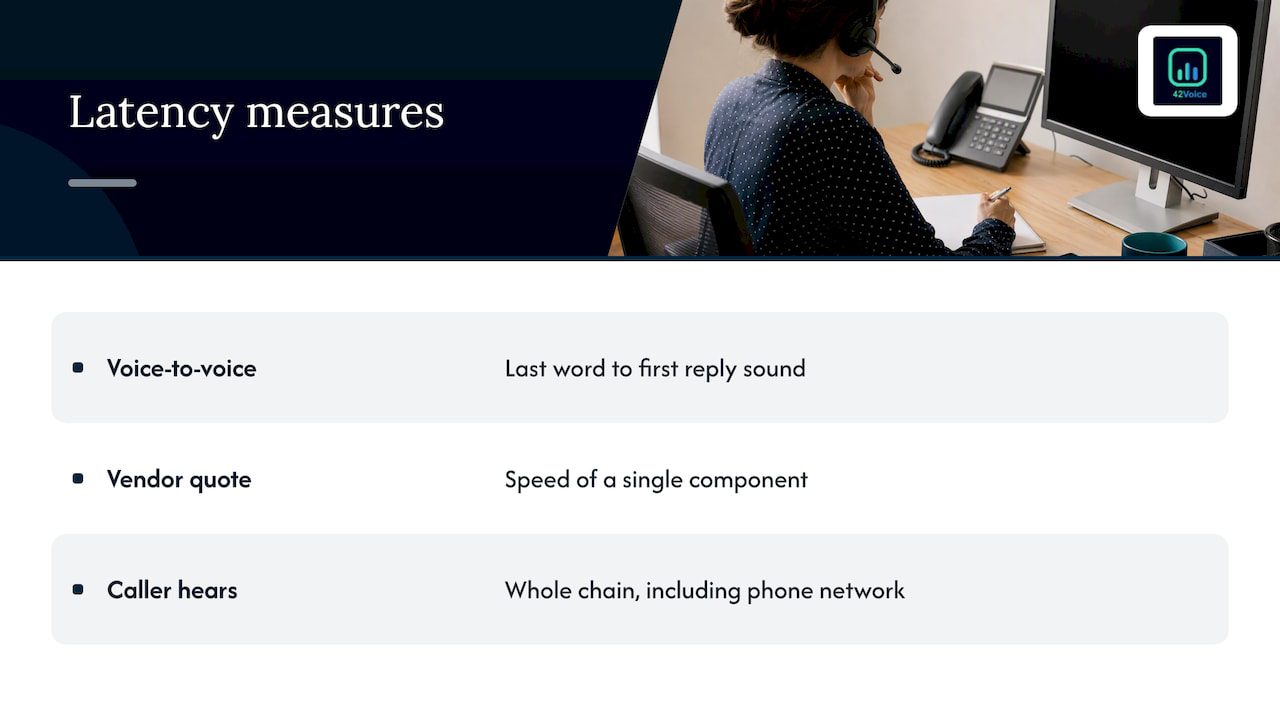
Latency is not one number. It is the total time across several steps, and the caller only judges the total. Vendors often quote the speed of a single component, such as the speech model, while the caller experiences the whole chain, including the phone network.
The practical measure is “voice-to-voice” delay: the time from the caller’s last word to the first sound of the agent’s reply. That is what a caller hears as a natural beat or as dead air.
The MarcTech engineering write-up on voice AI latency makes a point we agree with: intelligence is not what callers notice first, response rhythm is. A perfectly correct answer that arrives late feels like the line has dropped. Callers don’t think “the AI is thinking”. They think something is broken.
Where the delay comes from
A typical AI phone agent runs a relay race. Each runner adds time, and each handover between runners adds a little more.
| Stage | What happens | What affects the delay |
|---|---|---|
| Phone network | The caller’s voice travels to the platform and back | Distance to the servers, carrier routing, the quality of the mobile signal |
| Endpointing | The system decides the caller has finished speaking | How long it waits in silence before acting |
| Speech-to-text | The caller’s words become text | Accents, background noise, streaming vs. batch processing |
| Language model | The AI works out what to say | Model size, prompt length, how many tools it must call |
| Tool calls | The agent checks a calendar or CRM | How fast your booking system or CRM responds |
| Text-to-speech | The reply becomes audio | Whether audio starts streaming before the full sentence exists |
Two rows deserve attention because most buyers overlook them: endpointing and tool calls.
Endpointing: the silent delay
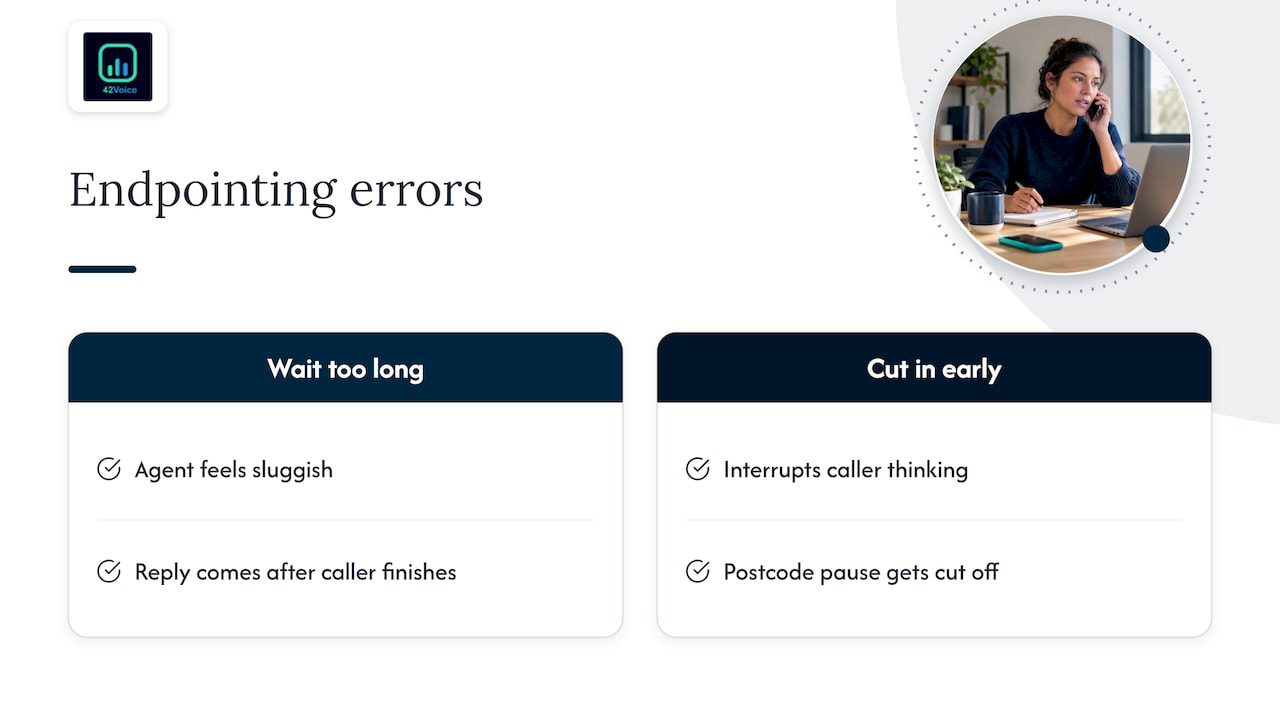
Endpointing is the AI deciding that the caller has actually finished speaking. Wait too long and the agent feels sluggish. Cut in too early and it interrupts a caller who was just pausing to think of their postcode. According to MarcTech’s analysis, tuning this balance often recovers more felt delay than shaving milliseconds off the model’s response time.
In practice, that means a fast model with a clumsy silence timer can still feel slower than a modest model with good turn detection.
Tool calls: the delay you can’t see
When a caller asks “Do you have anything Thursday afternoon?”, the agent must look at your calendar. If your booking software takes a couple of seconds to answer, the caller waits a couple of seconds, no matter how quick the AI is. Calendar and CRM lookups are a common source of pauses in real deployments, and they sit on your side of the integration as much as ours.
Why felt latency matters more than raw speed
Callers don’t have a stopwatch. They have expectations built over a lifetime of talking to people. A few things shape how a pause lands:
- Predictability. A steady rhythm feels better than fast replies mixed with occasional long gaps.
- Filler and acknowledgement. A short “Sure, let me check that for you” while a lookup runs is far better than silence.
- Streaming. The agent should start speaking as soon as the first part of its reply is ready, not after the whole paragraph is generated. The MarcTech piece describes this as getting a fast time to the first token, so the AI starts talking almost immediately while the rest of the sentence is still being produced.
- Interruptions. If a caller talks over the agent, it should stop and listen. An agent that keeps talking is more frustrating than a slow one.
This is why we don’t publish a single headline millisecond figure and ask you to trust it. A number measured in a lab on a good connection says little about a call from a ute on a regional highway.
How to reduce voice AI latency: seven practical steps
If you run or are buying a voice agent, these are the levers that matter, roughly in order of impact.
- Tune endpointing first. Ask how the system decides a caller has finished. A fixed silence timer is a blunt tool. Better systems combine pauses with sentence structure and let you adjust sensitivity for your callers.
- Stream everything. Speech recognition, the language model and voice synthesis should all work on partial data, so audio begins before the full reply is written.
- Keep prompts and replies short. A bloated instruction set slows the model, and a long answer takes longer to say. Phone replies should be one or two sentences, then a question.
- Make your integrations fast. Check how quickly your calendar or CRM answers an availability query. If it is slow, have the agent acknowledge the request out loud while it waits, or cache common information such as opening hours and service lists.
- Limit the number of tool calls per turn. Collect the name, number and service in the conversation, then write to the CRM once, rather than calling it after every sentence.
- Choose server locations with Australian callers in mind. Distance adds delay on every turn. It is reasonable to ask a vendor where calls are processed and how that affects round-trip time for callers in Perth or Cairns.
- Test with real phone audio. Studio-quality microphones hide problems. Test over mobile, on speaker, with background noise.
Notice what is not on the list: chasing the biggest, newest model. A bigger model can be smarter, but for booking an appointment or answering opening hours, a faster, tighter setup usually serves callers better.
How to test an agent before you sign
Don’t rely on a vendor’s demo video. Run your own test with a script like this.
- Call it from your mobile, not from a laptop. Do it at least five times at different times of day.
- Ask a simple question, such as opening hours. Note whether the reply starts quickly and sounds steady.
- Ask something that needs a lookup, such as “Can I book Tuesday at 2 pm?” Note what the agent says while it checks. Silence is a red flag.
- Pause mid-sentence. Say “I’d like to book for… um… Thursday” and see whether it jumps in.
- Interrupt it. Does it stop and listen?
- Use a real-world accent and a noisy room. A car or a workshop is a fair test for a trades business.
- Ask for a human. Check how long the handoff takes and whether the person who picks up knows what was said.
Write down your impressions after each call. A pattern of awkward pauses on lookups tells you something specific to fix.
Speed is not the whole job: when a human should take over
A fast agent that handles the wrong call is still the wrong answer. Some calls need a person no matter how quickly the AI replies:
- A distressed or angry caller
- A medical or safety concern
- A complex quote, a negotiation or a high-value sale
- A payment dispute or a hardship conversation
- Anything the agent has not been set up to handle
A good handoff is itself a latency problem. If the AI recognises its limit and the transfer takes half a minute with the caller repeating everything, you have created a worse pause than any model delay. The goal is that the person picking up already has the context of the call.
Our view: rhythm first, then intelligence
We build voice agents for roles like reception, sales development, first-line support and collections. The same lesson keeps coming up: callers forgive a simple answer far more readily than an awkward silence.
Here is how we think about latency as a team:
- The goal is relief for your people, not replacement. The agent takes the repetitive, high-volume calls, such as bookings, opening hours and “where’s my order” questions. Your staff keep the moments that need empathy, judgment and closing.
- Every agent has human-in-the-loop quality control. We review how calls actually go, including pauses and interruptions, rather than assuming the setup is right on day one.
- Handoff is part of the design. Complex calls go to your team smoothly, so the caller isn’t left waiting in the gap between AI and human.
- Integrations matter as much as models. Our agents plug into the calendars, CRMs and ticketing tools you already use, and we look at how quickly those respond because they shape what the caller hears.
- We are honest about limits. A very noisy line, a heavy overlap of speakers or a slow third-party system can add delay. We would rather tell you that in the demo than have you find it in week three.
Speed is something you tune with real calls, not something you buy once. That is why we go live in 3 to 5 days, then improve from there with no lock-in contracts.
— Alston
Australian rules that apply to fast, natural AI calls
The more natural a voice agent sounds, the more important it is to be upfront about what it is. This is not legal advice, but here are the points to raise with your adviser.
- Tell callers it’s an AI. The OAIC’s guidance on commercially available AI products stresses transparency. If the agent collects personal information, the Privacy Act applies, and a caller who thinks they are talking to a person may not have reasonable expectations about how their details are used. A short disclosure at the start of the call is a sensible practice.
- Outbound calls have extra rules. If you use an agent for outbound sales calls, the Do Not Call Register Act 2006 and the Telemarketing Industry Standard apply. Dentons’ overview of Australian AI and privacy law notes that penalties can reach A$2.75 million per day for corporations, and that no AI-specific law exists yet, though the Privacy Act and APP 7 apply to personal information handled by AI agents.
- Direct marketing and APP 7. The OAIC explains that APP 7 covers direct marketing that falls outside the Do Not Call Register Act. Check which regime your calls fall under.
- Collections calls need care. Tone and timing matter even more when a caller is behind on payments, and a human should handle hardship conversations.
Our call compliance checklist walks through the questions to ask before you switch on any AI calling, and our page on AI collections agents covers first-party reminders.
Where 42Voice fits
If missed calls are your actual problem, latency is the quality bar, not the goal. Our AI Receptionist answers 24/7 in multiple languages, books into your calendar and hands complex calls to your team. Our guide to automating phone calls explains what a go-live in days looks like. Pricing is tailored to your business, and you can see the plan tiers on our pricing page.
For outbound work, our AI cold calling agent is built with the Do Not Call Register, Privacy Act and AI disclosure in mind, though you remain responsible for your own compliance.
FAQ
What is a good latency for a voice AI agent?
There is no single official number. The test is whether callers feel the reply is prompt and steady, without dead air or being cut off. Measure voice-to-voice delay on real phone calls, not component speeds on a spec sheet, and judge by listening to the calls.
Why does my voice agent pause before answering?
Usually one of three things: the system waits too long to decide you’ve finished speaking, it is waiting on a calendar or CRM lookup, or the reply isn’t being streamed as audio. Start by checking the endpointing setting and how quickly your booking system responds.
Can a faster AI model fix latency on its own?
Rarely. A faster model helps, but delay also comes from the phone network, silence detection, integrations and voice synthesis. MarcTech’s research suggests turn detection often matters more than raw model speed.
Does lower latency mean I don’t need a human backup?
No. Speed improves the experience, but it doesn’t make the AI suited to every call. Angry callers, medical concerns, complex quotes and payment disputes should go to a person, with the context of the call passed along.
Do I have to tell callers they’re speaking to an AI?
There is no AI-specific disclosure law in Australia as of the sources we checked, but the OAIC recommends transparency where personal information is collected. Telling callers at the start of the call is a sensible practice. Ask your legal adviser about your specific situation.
Try it on your own phone line
The fastest way to judge latency is to hear it. Book a free 15-minute demo and call the agent yourself: book your demo with 42Voice.
Sources
- The Last 200 Milliseconds: Engineering Latency in Real-Time Voice AI, MarcTech
- Guidance on privacy and the use of commercially available AI products, OAIC
- Data protection, privacy and artificial intelligence laws, Dentons
- Direct marketing, OAIC
Recommended
- Cut Call Wait Times Fast With These Manager-Tested Fixes
- AI Voice Accents for Business Calls: Your 2026 Guide
- Deploy AI Call Scripts for SMBs in 3–5 Days Without Vendor Delays
This article is general information about AI voice technology and isn’t legal or compliance advice. Requirements for call recording, AI disclosure and outbound calling vary by state and use case.