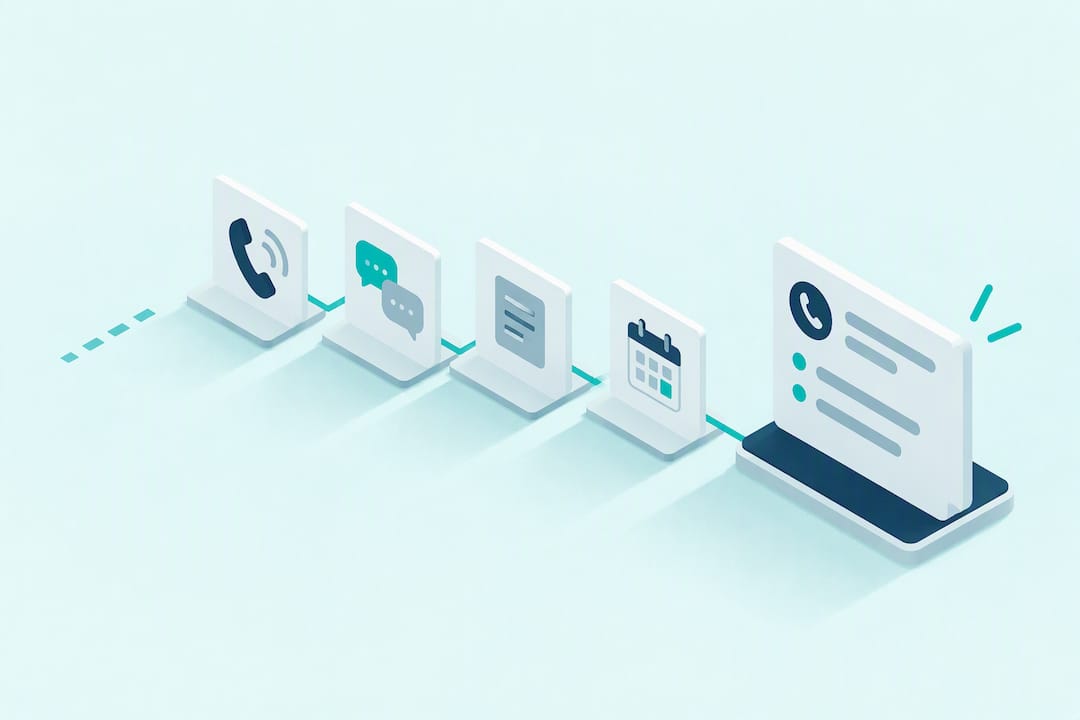
Call summary automation turns every phone conversation into a short, structured record: key points, decisions and action items, pushed straight into your CRM or task tools. It saves your team hours of after-call admin and keeps follow-up consistent, but it still needs human review and clear privacy notices under the Australian Privacy Principles. We integrate this into our AI voice agents so the notes are ready the moment a call ends.
Table of Contents
- How call summary automation actually works
- What a good summary contains and why it saves time
- Where summaries should go and what they should trigger
- A checklist for piloting call summary automation
- How we deploy summarisation with human-in-the-loop review
- Where humans still need to be in the loop
- Try call summary automation with 42Voice
- FAQ
- Sources
How call summary automation actually works
Every automated summary follows the same basic path: a call gets recorded, transcribed, processed by natural language models, then condensed into a structured output. Where accuracy and cost come from depends on how each stage is handled.
Recording and transcription can happen near-real-time or after the call ends. Near-real-time transcription is useful for live prompts during a call, but it is more prone to errors from crosstalk, poor audio or accents. Post-call processing has the full audio file to work with, which usually produces a cleaner, more accurate summary.
From there, natural language processing does the heavy lifting:
- Speaker diarisation separates who said what, which matters for attributing decisions and commitments correctly.
- Intent mapping identifies what the caller wanted (a booking, a complaint, a payment query).
- Entity extraction pulls out names, dates, amounts and product references.
- Action-item detection flags commitments: who owes what, and by when.
Templates and rules shape the final output. A well-tuned template maps extracted fields directly to CRM fields, so a summary lands as a usable record rather than a block of text someone has to re-read and retype. This is also why post-call processing tends to outperform instant-only outputs: the system has context from the whole conversation before it decides what matters.
What a good summary contains and why it saves time
A useful call summary is short and skimmable. It typically includes a one to three line takeaway, the decisions made, next steps with an owner and due date, relevant CRM fields (deal stage, ticket category, account ID) and a priority flag for anything urgent.
For a sales team, that might read: “Customer wants a quote for 20 units by Friday. Owner: Priya. Priority: high. CRM: Opportunity #4482 updated to ‘Proposal sent’.” Thirty seconds to read, no call recording to scrub through.
The operational payoff shows up in a few places:
- Less manual note-taking after every call, freeing up time for the next conversation.
- Faster lead response because follow-up tasks are created automatically instead of sitting in someone’s notebook.
- More consistent coaching data, since every call gets the same structured treatment.
- A searchable record of past conversations instead of scattered personal notes.
Australian service teams estimate that 31% of cases are currently handled by AI, with that figure expected to climb toward 60% by 2027. That shift is only workable if the underlying call data, including summaries, is structured enough to feed into existing workflows without extra manual cleanup.
Where summaries should go and what they should trigger
A summary sitting in an inbox is wasted. The value comes from where it lands and what it sets off automatically.
- CRM activity or opportunity notes, so sales and account teams see context without listening to the call.
- Support ticket creation, with the summary pre-filling the ticket description and category.
- Calendar entries, when a call results in a booking or a follow-up meeting.
- Task tools, for action items that need to be assigned and tracked separately from the CRM.
Common automation patterns on top of this include mapping extracted fields directly to CRM properties, auto-creating follow-up tasks with due dates, triggering an email or SMS sequence based on the call outcome, and feeding resolved queries into a knowledge base for future reference.
The risks are mostly integration risks rather than AI risks: duplicate records when a caller is matched incorrectly, field mapping that breaks when a CRM updates its schema, and latency between the call ending and the summary appearing. Test the full path end-to-end, including what happens when a field doesn’t map, before relying on it for real workflows.

A checklist for piloting call summary automation
Rolling this out well is a sequencing problem more than a technical one. Here’s a sensible order:
- Pick a narrow call type to start, like inbound bookings or first-contact support queries, rather than every call type at once.
- Set success metrics upfront: summary accuracy on a sample of calls, time saved per call, and how often a call needs escalation to a human.
- Write a privacy checklist: a caller notice that recording and AI processing are in use, a retention policy for audio versus written summaries, and where that data is stored. The OAIC’s guidance on AI and the Australian Privacy Principles treats transcripts and summaries as collected personal information, so you need to be able to justify what’s kept and why.
- Map fields between the summary output and your CRM or ticketing system, then test the full path with real call types before going live.
- Define handoff triggers: which call types or keywords route straight to a person, and what happens when the system isn’t confident in its own output.
- Run a pilot for 4 to 6 weeks, sampling a fixed percentage of calls for human review each week, with clear sign-off criteria before scaling to more call types.
Pro Tip: Start your sample review rate higher than you think you need, around 20 to 30% of calls in week one, then taper it down once accuracy holds steady.
One useful reference for setting this up without overcomplicating it is this practical guide for business owners using AI today, which walks through simple, low-risk ways to pilot AI workflows in a small team.
How we deploy summarisation with human-in-the-loop review
We include summarisation in every voice agent we deploy, whether it’s handling reception, sales qualification or support calls. Our deployment timeline aims for live operation within a few days because call scripts and summary templates are designed to integrate directly with your existing CRM and calendar.
Every deployment incorporates human-in-the-loop review: some calls are sampled by a person, escalation thresholds route sensitive or low-confidence calls to your team automatically, and CRM field mapping is tested before launch.
Practical setup steps we recommend:
- Set an escalation threshold for calls involving complaints, payments or anything outside a defined script.
- Start with a higher human sample rate and reduce it as confidence builds.
- Map summary fields to your CRM’s actual schema, not a generic template.
Our AI call scripts and call flow design resources cover how we structure this in practice.
Where humans still need to be in the loop
AI should take the repetitive load off your team: the twentieth “what are your hours” call, the standard booking request, the routine follow-up. It should not be making judgement calls on a frustrated customer, a sensitive collections conversation or a negotiation that needs a human read on tone.
Human-in-the-loop sampling matters because it’s how you catch the summaries that got it wrong before they cause a bad follow-up. For outbound calling specifically, keep the Do Not Call Register, Privacy Act obligations and clear AI disclosure in mind. These are compliance basics, not legal advice, so check with your own adviser before scaling outbound automation.
— Alston
Try call summary automation with 42Voice
Our AI voice agents help reduce the after-call admin that takes up your team’s time, while leaving the complex conversations to people. Every call gets recorded, summarised and routed, with human handoff built in for anything that needs a person’s judgement.

What we offer that’s directly relevant here:
- An AI Receptionist that handles inbound calls, bookings and routing, with a summary attached to every call.
- An AI Sales Development Rep that qualifies leads and logs call summaries straight into your CRM.
- An AI Tier-1 Help Desk that turns support calls into tickets automatically.
- Live deployment in 3 to 5 days, with no lock-in contract.
If you want to see how this looks with your own call types, bring a handful of sample calls and your CRM login to a demo and we’ll show you exactly where the summaries land. Book a free 15-minute demo at 42voice.com/contact.
FAQ
Can you automate phone calls?
Yes. AI voice agents can answer, route and summarise inbound and outbound calls, handling routine requests like bookings and account queries while routing anything sensitive or complex to a person. The summary and any follow-up tasks are generated automatically once the call ends.
How do you write a good call summary?
A good call summary is short: a one to three line takeaway, the decisions made, next steps with an owner and due date, and a priority flag if anything is urgent. Keep it structured so it maps cleanly to CRM or ticketing fields rather than reading as a narrative paragraph.
Can AI summarise text accurately?
AI can summarise transcribed call text reliably when it has clear audio and a tuned template for the call type, though accuracy varies with background noise, accents and conversation complexity. That’s why human-in-the-loop sampling, checking a percentage of summaries against the original call, remains part of any reliable setup.
What should call centres look for in summarisation tools?
Look for post-call processing (more accurate than instant-only transcription), customisable templates that map to your CRM, and built-in human review for low-confidence outputs. Privacy handling matters too: check how long audio is retained and whether it meets Australian Privacy Principles obligations.
How long does it take to deploy call summary automation?
Timelines vary by vendor and complexity, but voice agents can often go live within a few days once call scripts and CRM mapping are agreed. A short pilot of 4 to 6 weeks is a sensible way to validate accuracy before rolling out across every call type.
Sources
- Salesforce State of Service report (Australia)
- OAIC guidance on privacy and developing/training generative AI models
Recommended
- Live Within Days to Automate Phone Calls for Australian SMEs
- Pilot AI Call Center with Human Backup for SMBs in 3–5 Days
- Deploy AI Call Scripts for SMBs in 3–5 Days Without Vendor Delays
- AI Call Analytics for SMBs: A Practical Pilot Guide
This article is general information about AI voice technology and isn’t legal or compliance advice. Requirements for call recording, AI disclosure and outbound calling vary by state and use case.